
The office and the crews on one system: work orders, reports, proposals, and the app in the truck.
A field operations platform for a landscaping company: an admin for the office and a crew app for the field. Work orders by trade, issue reports that become proposals, parts and bundles with pricing, a customer portal, and a points-and-rewards program for technicians. Live on both app stores and in production.
- Category
- Field operations
- Platform
- Web admin, iOS and Android crew app
- Scope
- Reports to proposals to work orders
- Status
- Live on both stores
What we built.
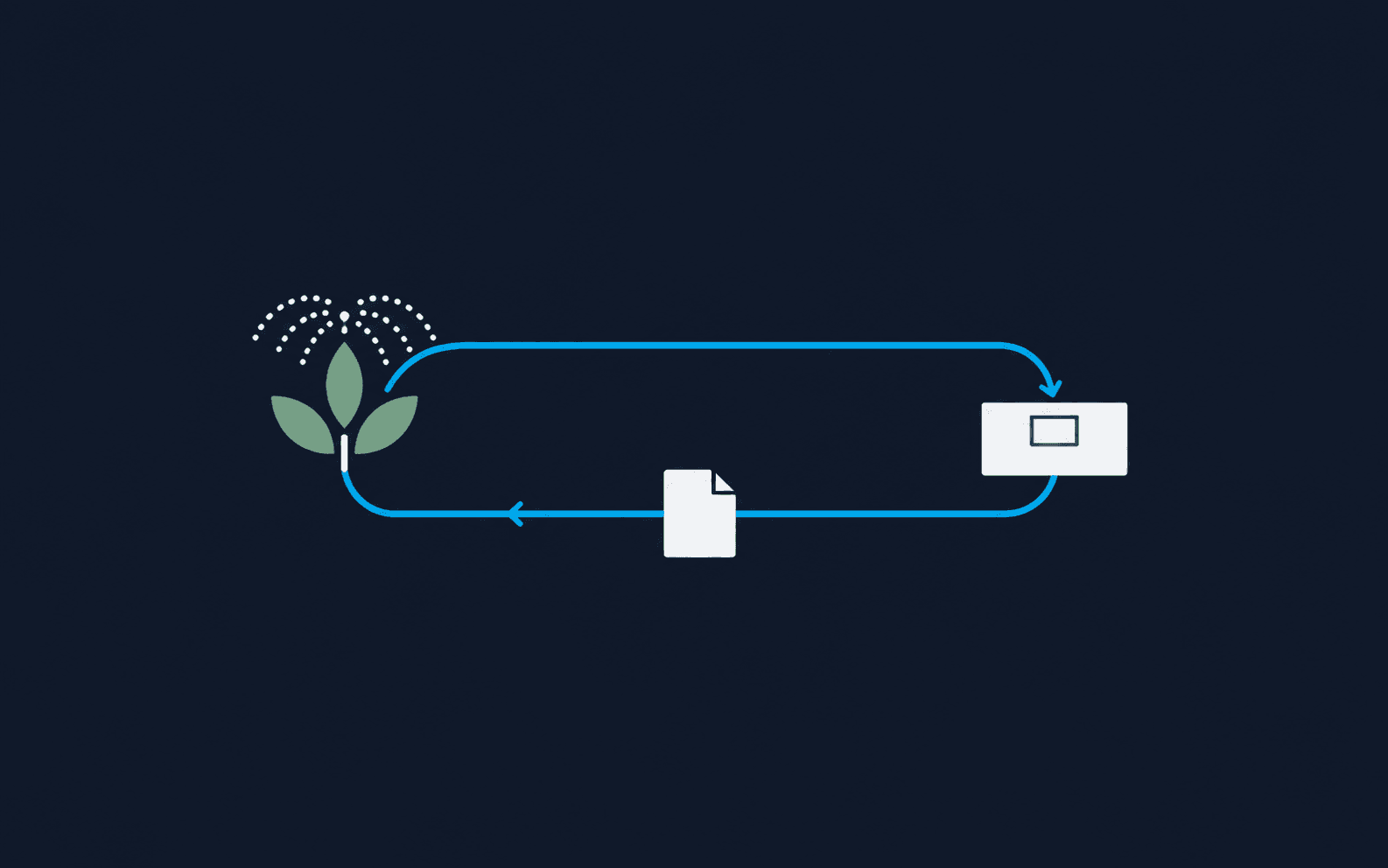
A crew finds a broken irrigation head on a maintenance visit. Somebody has to write it down, get it priced, send the customer a proposal, get it approved, and turn it into a job for next week. In most companies that chain runs through a text message, a photo on one phone and a quote typed up on Friday. Here it runs through one system: the technician files the report from the truck, the office turns it into a proposal with parts and pricing, the customer approves it from their portal, and a work order lands on the schedule.
Neeka Studio built both halves: the admin the office runs on and the crew app on iOS and Android. Work orders are categorized by trade, irrigation, tree, construction, renovation, mechanic, chemicals and maintenance, so the right crew sees the right jobs. Technicians earn points on completed work and redeem them for rewards.
The unglamorous parts are where the work is. Proposals carry revision history and automated follow-ups, configurable by category. Every change to a report, proposal, work order, part, customer or technician is written to an audit log with the actor’s identity injected at the API layer, so nobody can edit around it. PDFs render server-side for email and in the browser for instant preview. The crew app ships with crash reporting, a remote minimum-version gate so outdated builds cannot submit bad data, and camera, location and maps built in.
- Work orders by trade, with status from pending to closed
- Issue reports filed from the truck, with photos and location
- Proposals with parts, bundles and pricing, sent for customer approval
- Customer portal with magic-link sign-in
- Technician points and rewards on completed work
- Automated proposal follow-ups, configurable by category
- Audit log on every record: who changed what, and when
- Dashboard and reporting charts for the office
- Next.js admin on AWS Amplify
- AppSync GraphQL, Cognito, Lambda, DynamoDB and S3
- Expo crew app for iOS and Android
- Server-side and in-browser PDF generation
- Google Maps and Places
Two halves. One system. Theirs.
The office admin and the crew app were built together and are maintained together, priced monthly, with the client owning the repositories, the cloud account and the store listings. That is the same deal on every engagement, whatever its size.
- An office admin with roles for admins, managers and technicians
- A crew app for iOS and Android on both stores, with forced-update gating and crash reporting
- A customer portal for approving proposals and viewing work
- PDF generation for reports and proposals, server-side and in the browser
- Email delivery for proposals, welcome messages and sign-in links
- Maps and address lookup across office and field
- A staged production migration of the customer identity model
Ready to run on a system that fits?
If you have crews, customers, and a process that off-the-shelf keeps fighting, let's talk. One call. Thirty minutes. We'll tell you straight whether a 30-Day Proof is the right fit, or whether an off-the-shelf tool is.